


 ®
®01
Join your carrier
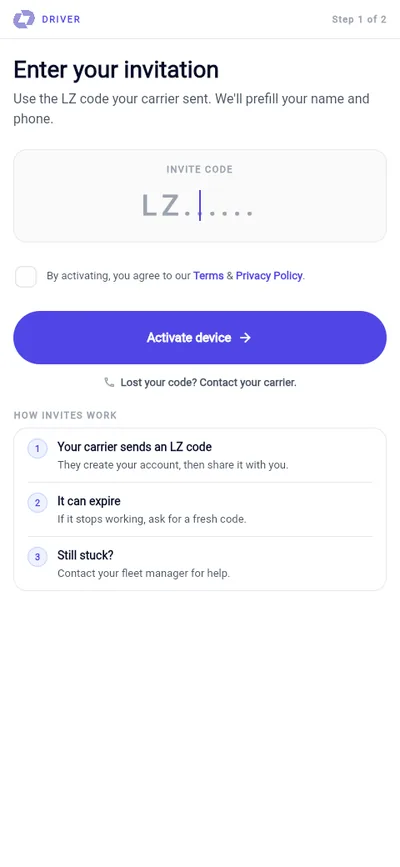
Enter the invite code or PIN supplied by the fleet owner. Drivers do not compete for public loads.
Liftzor Driver
Carrier-invited drivers receive assigned shipments, follow the exact route and capture every milestone the shipper and fleet owner need to see.
An invitation from an approved carrier is required.

From invite to handover
Enter the invite code or PIN supplied by the fleet owner. Drivers do not compete for public loads.
See the shipment, vehicle, pickup window, ordered stops and delivery requirements assigned by your carrier.
Open turn-by-turn navigation, share live location and recover safely when a connection drops.
Confirm pickup and delivery codes, capture photos and signatures, and report damage or delay in the job trail.
Pickup, facility holds, intermediate drops and the final receiver stay on one clear itinerary.
The carrier, shipper and operations team can follow progress from the same verified location trail.
A temporary signal loss does not make the driver start the job again; the app resumes the active assignment.
Codes, photos, signatures and issue reports create an accountable pickup-to-delivery record.
Fleet-controlled access
If you drive for a Liftzor carrier, ask the fleet owner for your invitation. If you own the vehicles, start with carrier onboarding and add your drivers from the fleet tools.